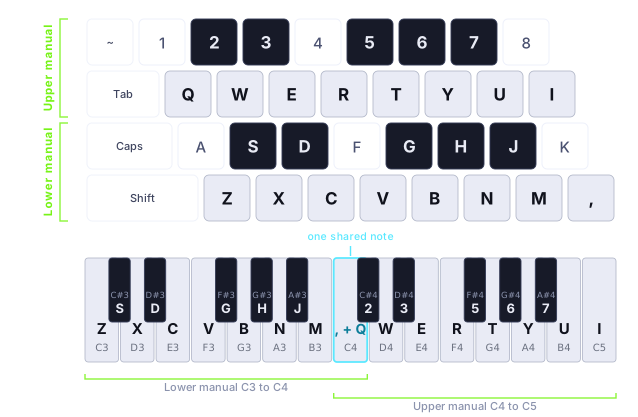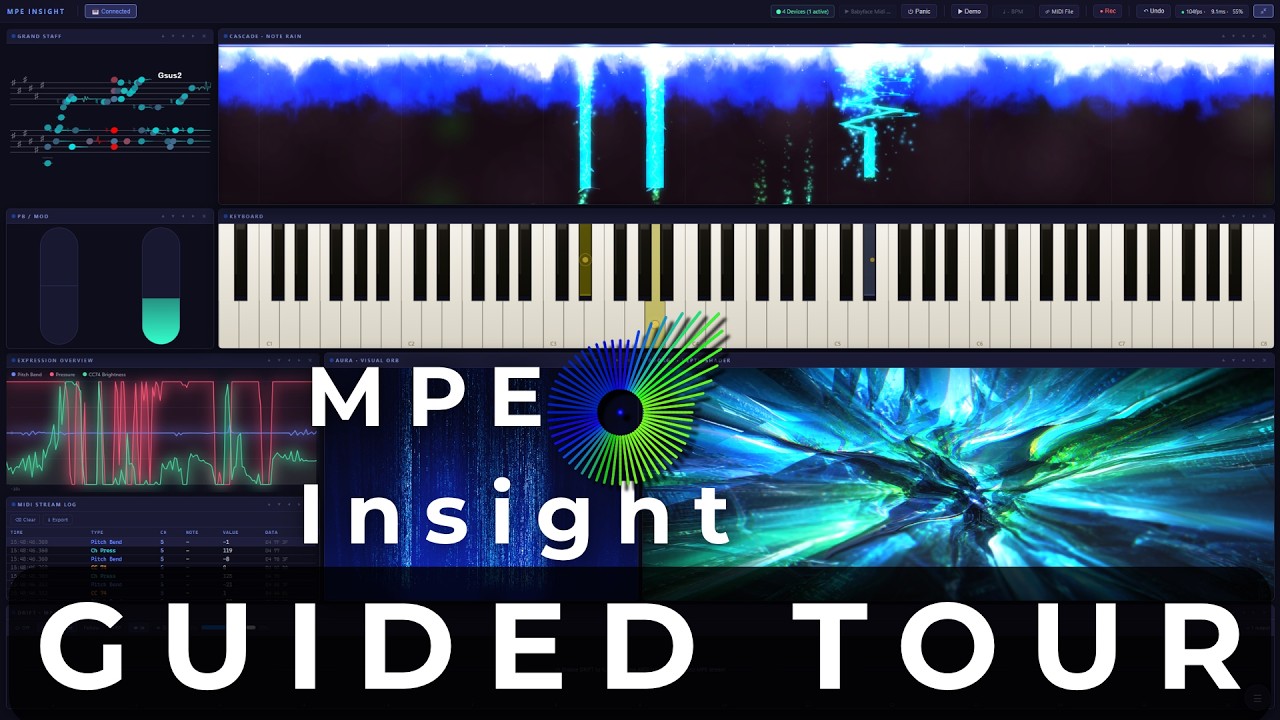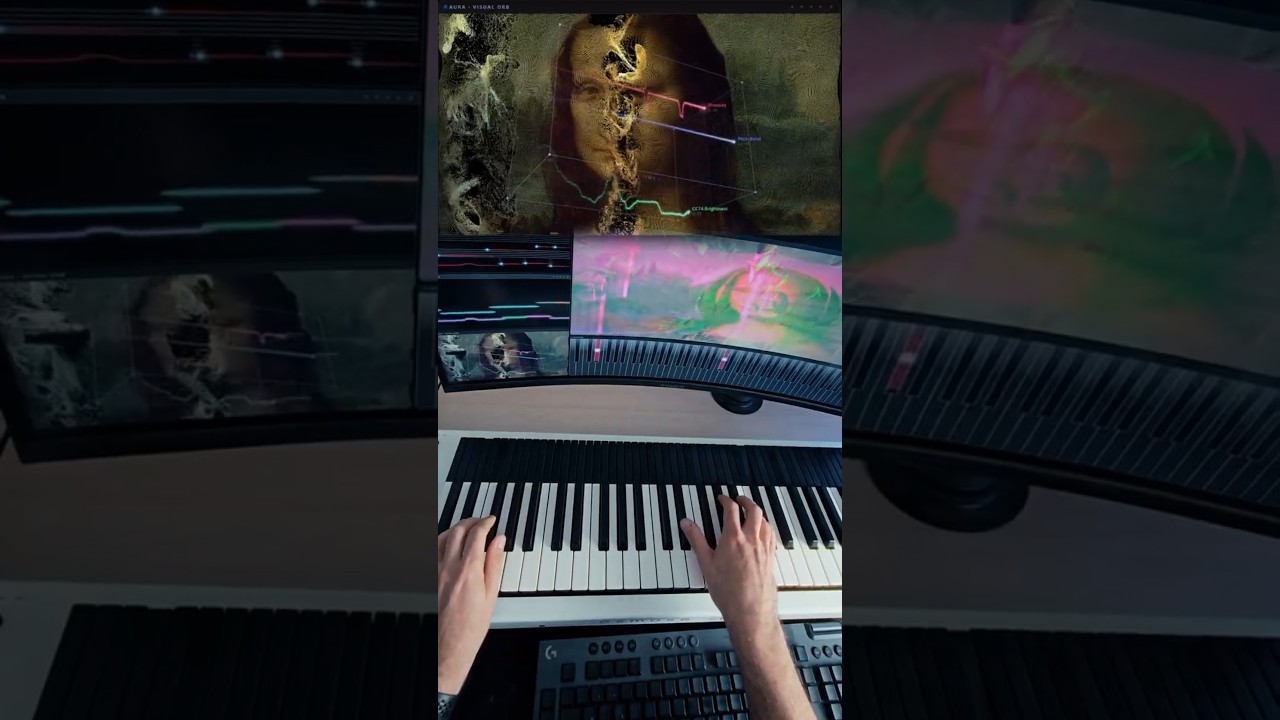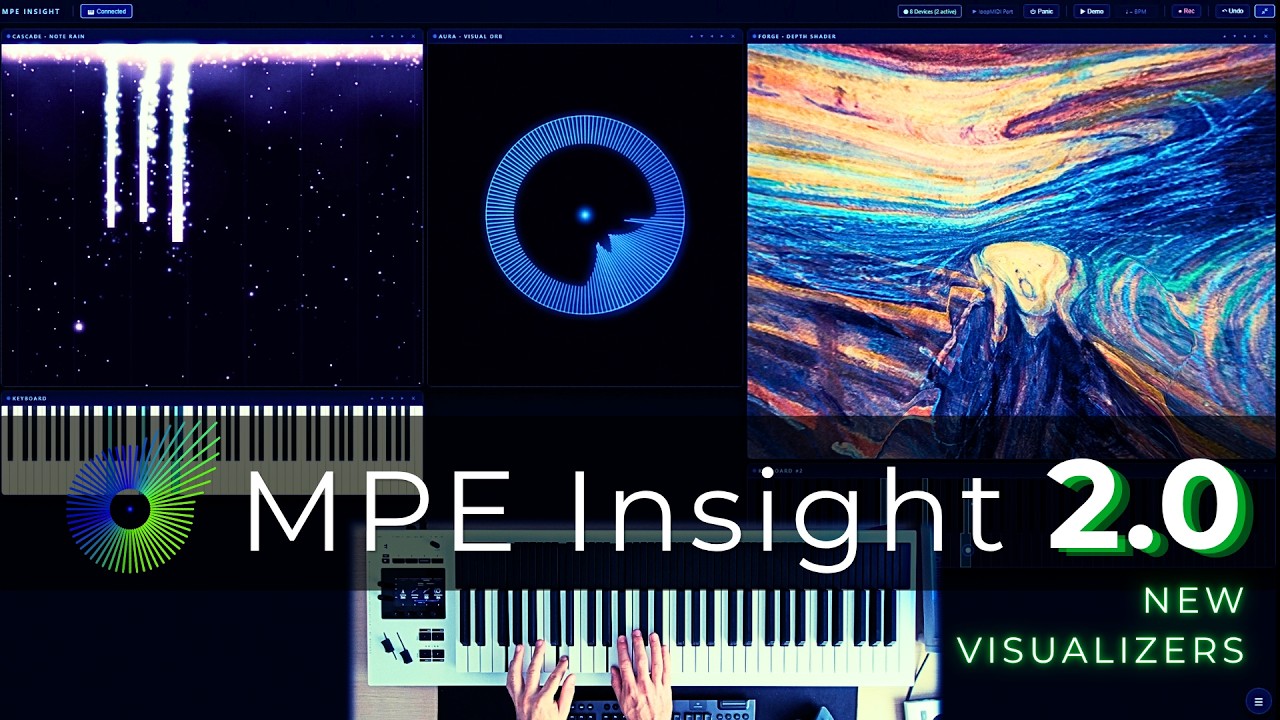

FORGE has always turned a picture into a scene you fly through. In 2.6 the picture itself comes apart. Point Cloud rebuilds it as a grid of points and pushes each one into real depth by the depth map, so the Virtual Camera flies between them instead of across a flat plane. And the cloud plays: strike a note and the points inside its disc come at you, pressure holds them out, slide opens the cone wider, pitch bend moves it sideways. Choose hard Dots, soft Splats, or Glyphs that stamp a character per point from a set you type in yourself, so the image comes back written in your own letters. Spin turns the whole cloud on a free axis, winding up while you play and settling back upright in silence. Cells takes the other road and leaves the frame whole, redrawing it cell by cell as ASCII, halftone or dither over any source. Both need WebGL2. And once you are done flying, 2.6 removes the last thing you needed in order to play at all: Typing Keys puts two manuals under your hands on the computer keyboard, so a laptop on a train is enough.
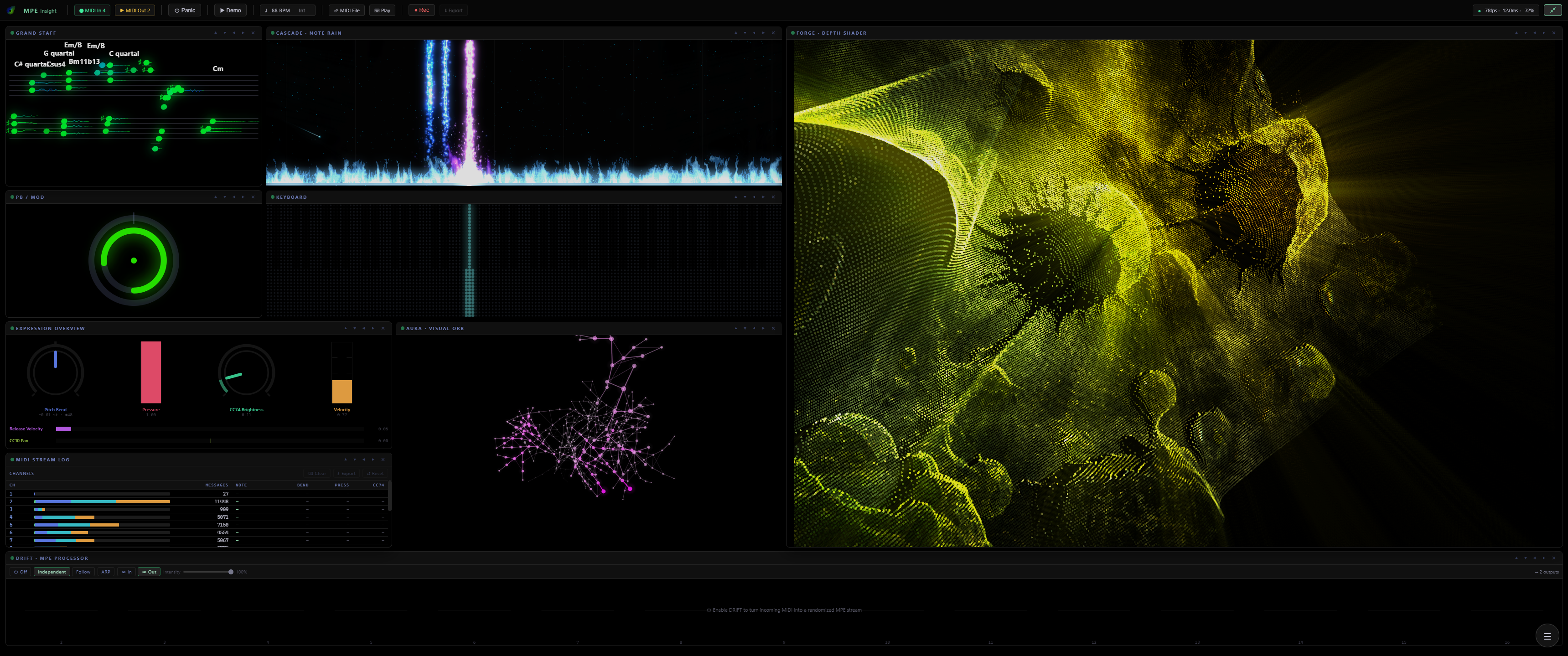
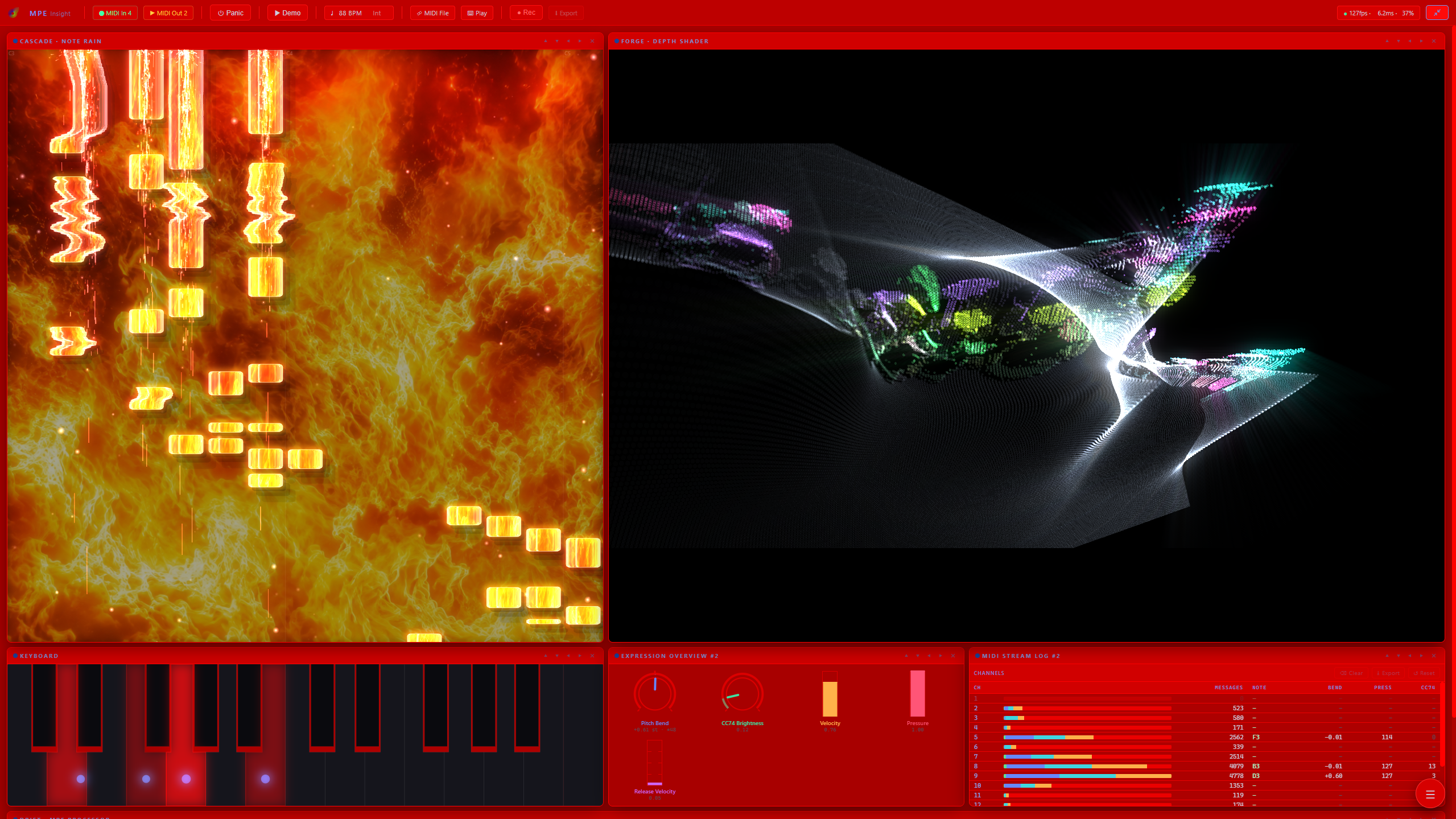
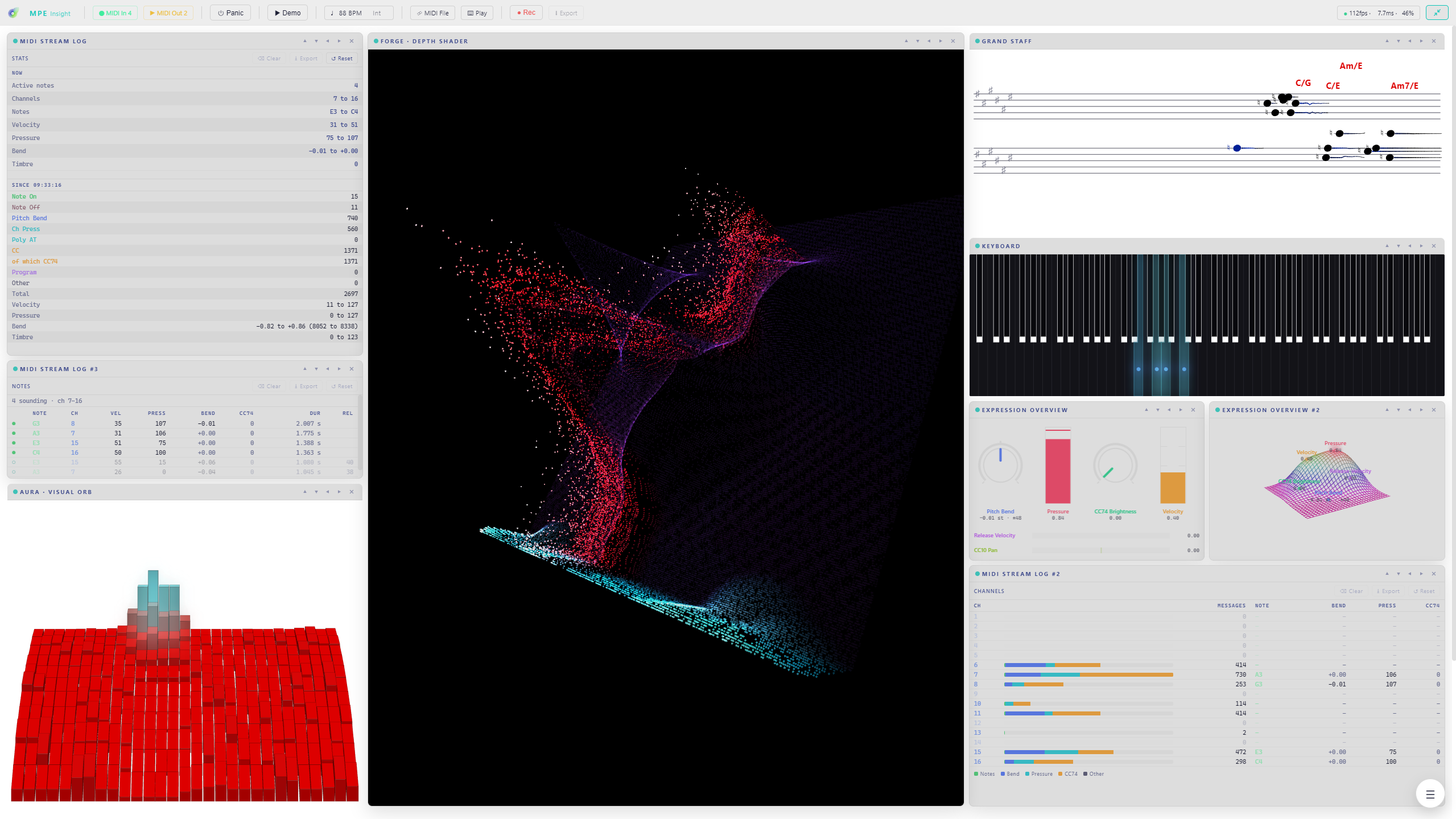
- FORGE Point Cloud: the picture rebuilt as a cloud of points with real depth, to fly through and to play. Hard Dots, soft Splats, or Glyphs that stamp a character per point, from a character set you type in yourself. WebGL2 required
- Point Cloud Spin: the whole cloud turns on a free axis, with Speed, Axis and Lean, winding up while you play and settling back upright in silence
- FORGE Cells: the finished frame broken into a grid and drawn cell by cell, as ASCII, Halftone or Dither, over any source. WebGL2 required
- CASCADE impacts combine: ten independent layers at the key line instead of one choice, so a shower of sparks can sit inside a fountain. An Own color switch gives every armed layer one shared colour, and note ribbons gain a Chrome finish next to Diamond and Glass
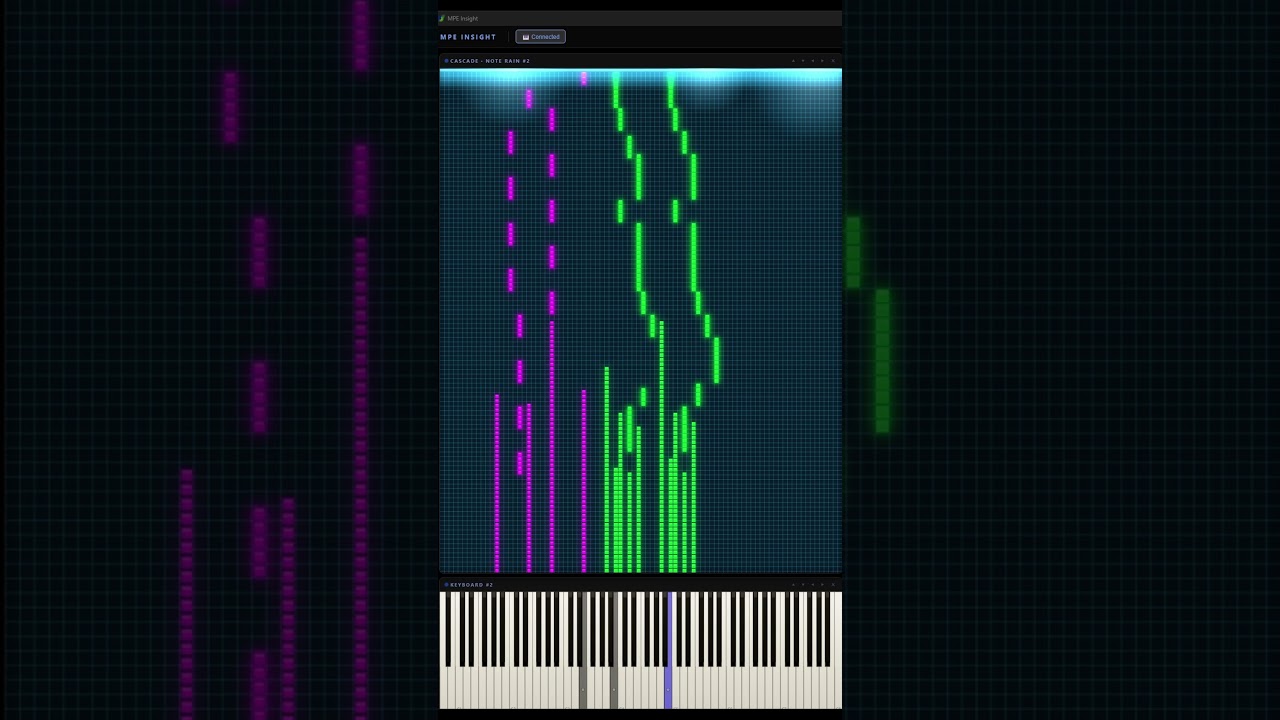
- Typing Keys: two manuals under your hands, eight white keys each, Q W E R T Y U I over Z X C V B N M , with the sharps on the row above each. Those are key positions, not letters: a QWERTZ or AZERTY board plays the same shapes under the same fingers, and the Keyboard module labels every key with the caps you actually have
- Space is the sustain pedal, Shift accents a note, and the octave moves with the arrow keys or the numpad plus and minus, far enough that every key of your chosen keyboard size can be reached
- DRIFT makes it expressive: one click turns every typed note into a full MPE voice with its own pressure, bend and CC74
- A new Play pill holds both ways to play without a controller, typing and Mouse Mode, and MIDI Out is left to ports and routing
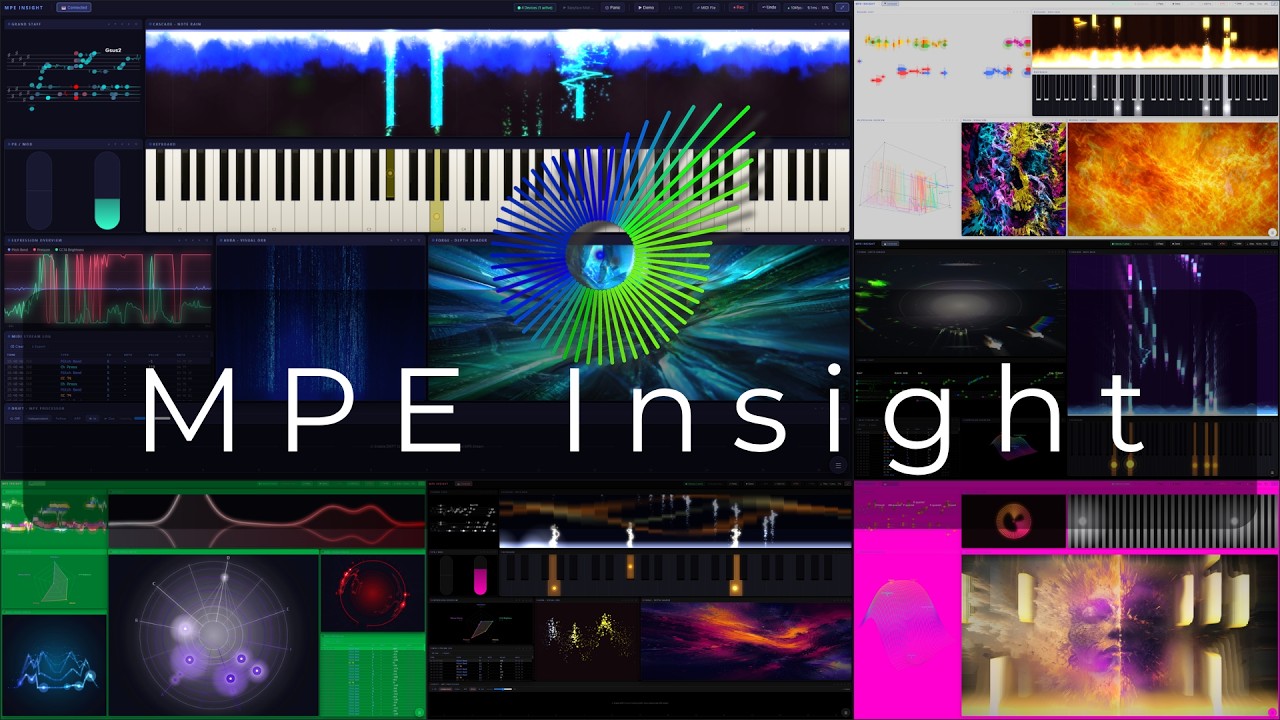
- Expression Overview gains a fifth mode, Rack: every source drawn as the piece of studio gear you would read it on, and every row lets you pick Auto, Knob, Meter or Bar
- MIDI Learn now reaches the FORGE Conductor: three more learn slots, Enable, Range and Cycle, so a fader box or a pedal can switch it on and drift its range live, no mouse required
- The MIDI Stream Log gets four views: Events, Notes, Channels and Stats, every log remembering its own, with eight message types in colours you can edit
- DRIFT’s power switch belongs to the rest of the app: a preset states it, a snapshot restores it, and Panic switches it off, so a runaway arp cannot restart the problem it just cleared
- 25 keys as a fourth keyboard size, next to 88, 61 and 49, and the sustain pedal is read properly: switch, continuous, or detected automatically, with an invert for the normally closed ones
- Global Snapshots reorder by dragging, export or delete only the rows you mark, and ⊘ All Off reaches CASCADE and AURA so a look can start from an empty frame